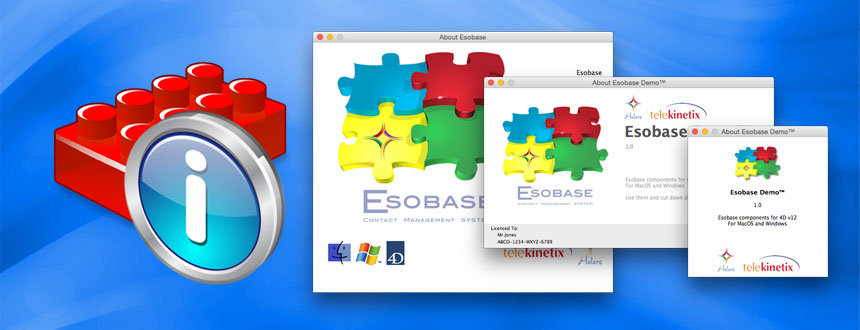
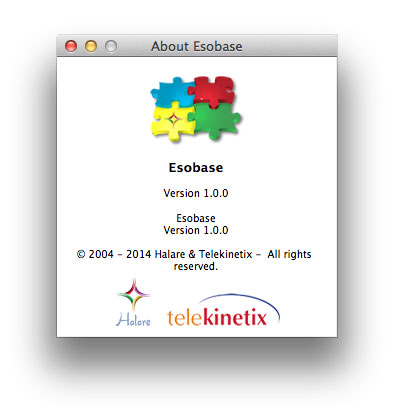
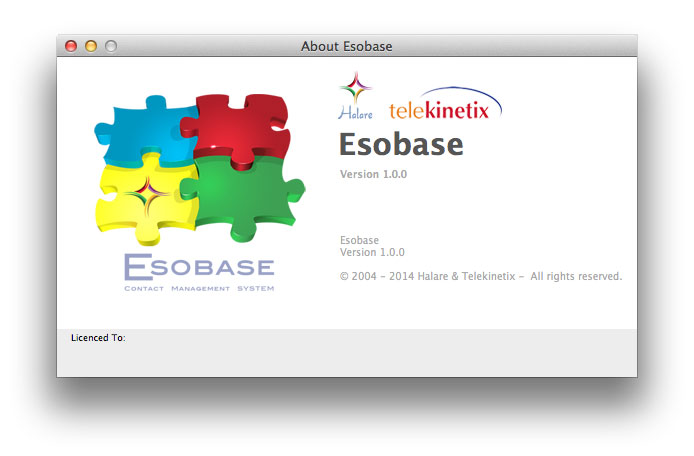
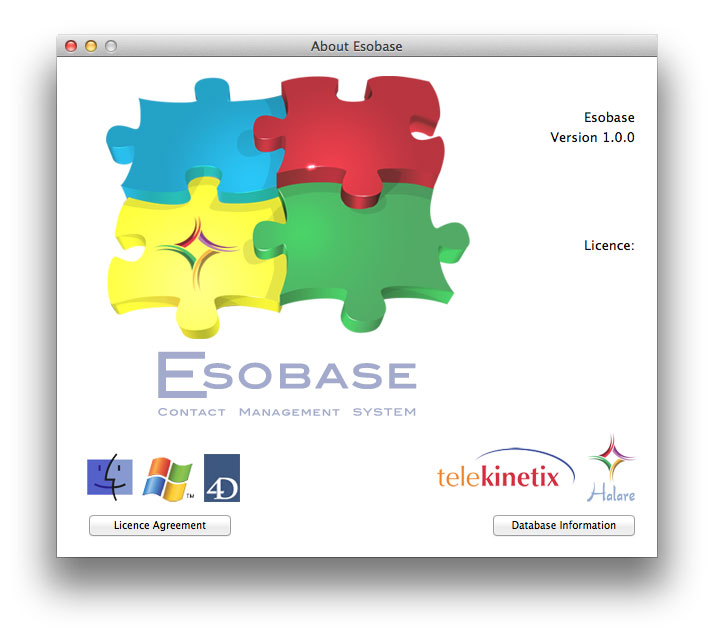
The About component helps you to create a beautiful 'About this application' window, to give your database a more professional look.
Simply create a background image for the preferred window size, using the guide files provided, and place them in the relevant folder of your host database. Set a few options and you have the about window ready.
Different sizes to suit your application
Choose from 3 standard window sizes that most applications use:


Scrolling text
Even have a scrolling text when using the Large about window.
Features
- Choice of 3 sizes of window
- Display the database name and version
- Add text (can be used for copyright or promotions)
- Scrolling text (large screen only)
- Display licensing information (large and medium screens only)
- Set hotspots launching a method or a URL
- Use any background image
- Show list of tables and number of records (large screen only)
- Show list of installed plugins and versions (large screen only)
- Show list of installed components and versions (large screen only)
- Show licensing agreement text (large screen only)
- Display about window as a load progress during startup
List of commands
- ABOUT DEFINE ACTIVEAREA
- ABOUT LOAD START
- ABOUT LOAD STOP
- ABOUT LOAD UPDATE
- ABOUT METHOD
- ABOUT OVERRIDE WINDOW TYPE
- ABOUT SET
- ABOUT SET BACKGROUND COLOUR
- ABOUT SET DATABASE NAME VERS
- ABOUT SET HYPERLINK
- ABOUT SET LICENCE COLOURS
- ABOUT SET LICENCE INFO
- ABOUT SET TEXT
 Halare
4D and 4D server experts
Halare
4D and 4D server experts